
Key facts
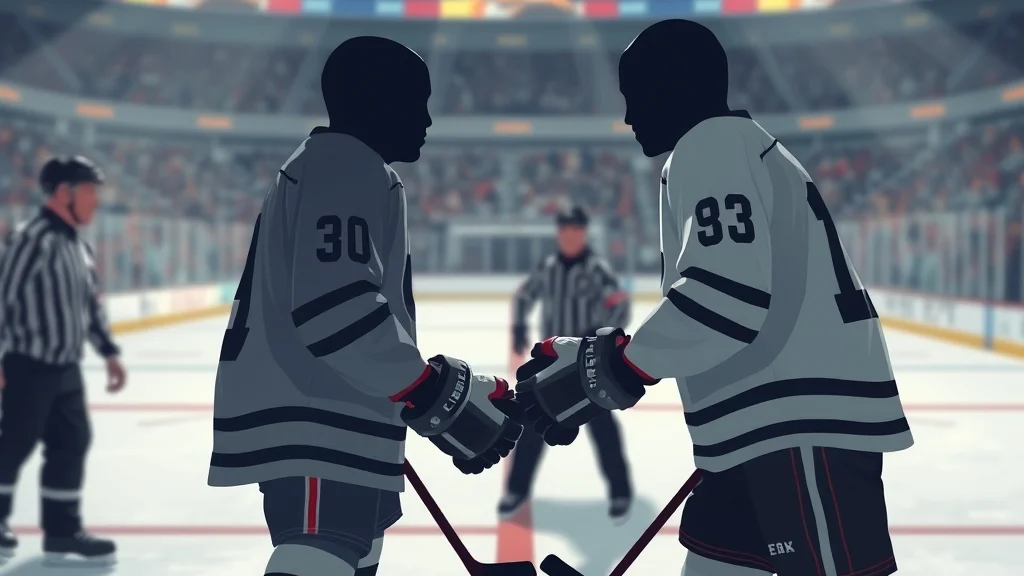
- To start a fight, double tap Y on Xbox or Triangle on PS5 during a faceoff or after the whistle.
- Hold LT or L2 to grab, push the right stick up for an overhand and down for an uppercut.
- Tap RT or R2 to dodge and hold it to block or lean back.
- The other player or the CPU can decline, so not every challenge turns into a fight.
- The winner of a fight gets a stamina boost, which is the main reason to drop the gloves.
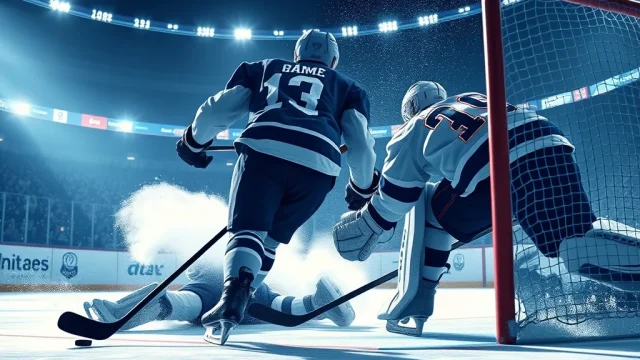
To fight in NHL, double tap Y on Xbox or Triangle on PS5 at a stoppage. Then grab, punch and dodge with the triggers and sticks until somebody hits the ice. Fights are short, but a well-timed one can swing your stamina and your bench, so it’s worth learning to do it right.
Here’s what we’re working with.
How to fight in NHL, the short answer
To fight in NHL, challenge an opponent at a stoppage, then grab, punch and dodge until one player goes down. You start one by double tapping Y on Xbox or Triangle on PS5 during a faceoff or after the whistle blows and play ends. The full sequence:
- Wait for a whistle. The faceoff setup is the most reliable window.
- Double tap Y (Xbox) or Triangle (PS5) to throw down the challenge.
- If the opponent accepts, hold LT or L2 to grab.
- Push the right stick up for an overhand punch or pull it down for an uppercut.
- Tap RT or R2 to dodge. Hold it to block and lean back.
- Push the left stick up to shove your opponent away, or pull it down to yank him in.
- Keep mixing it up until one fighter falls. Both players then head to the box.
What happens when the fight ends
Both fighters get a five-minute major, the same as in the real league. The payoff is on the bench. The side that wins receives a stamina recharge after the fight is complete. That’s the whole business case for dropping the gloves in a video game: you lose a player for five minutes, and your team gets a breather it didn’t have to earn with a timeout.
Starting a fight versus accepting one
The same button does both jobs. Sometimes the opposing team will start things, and in that case you just double tap Y or Triangle again to accept the challenge. If you don’t press anything, the challenge expires and the faceoff goes on. That matters more than it sounds, because declining is a real option. We’ll get to when you should.
Pro tip: Practice fights against the CPU in an offline game before you try one online. A human who knows the dodge timing will punish a button masher fast.
What you need before you drop the gloves
You need a current EA Sports NHL game on PS5 or Xbox Series X and S, fighting turned on in your game rules, and a game mode that runs full NHL rules. There’s no PC version of EA Sports NHL, so console is the only route.
Platform and version
The fight inputs have been stable for several years. The fight controls also stay the same whichever preset you pick. Total Control uses the right stick for main actions and the face buttons for skill moves, with all actions available. Hybrid simplifies the controls to two buttons, so only basic actions are available. If you play on Hybrid and something feels missing, switch to Total Control or Skill Stick before you go looking for a fight.
Settings and modes
You can check your current layout in-game. EA points players to Settings > Controller Settings > Controls to see how each action is mapped. Fighting can also be switched off in the game’s rules options, usually in the penalty settings. If someone in your household turned it off to keep things family-friendly, no amount of button tapping will help.
The right player for the job
Ratings matter. Players have a Fighting Skill attribute, and it works alongside Strength, Durability and Aggressiveness. A big, aggressive fourth-liner will land more and take punches better than a skill forward. Buffalo fans know the type. Rob Ray built a whole career in the 90s on making opponents regret things, and the league eventually made players tie their jerseys down partly because of how he fought.
| Requirement | What to check | Where |
|---|---|---|
| Console | PS5 or Xbox Series X and S | No PC version exists |
| Control preset | Total Control or Skill Stick for every action | Settings > Controller Settings > Controls |
| Fighting enabled | Fighting set to On | Game rules or penalty settings |
| Mode | Full NHL rules game | Play Now, Franchise, Be a Pro |
| Fighter | High Fighting Skill and Strength | Player ratings on the roster screen |
How to start and win a fight, step by step
Winning a fight in NHL comes down to grabbing first, punching from the clinch, and dodging when your opponent winds up. Here’s each phase in detail.
Phase one, getting the fight
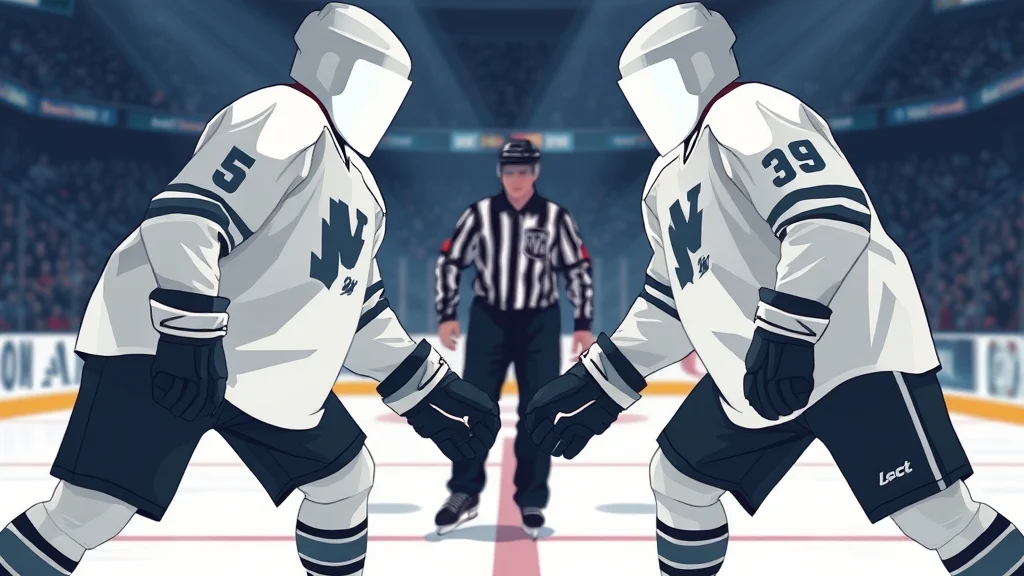
The faceoff is your best window. Double tap Y or Triangle once the players line up. You can also stir things up during play. A big hit on an opposing player can trigger a fight, though it won’t happen very often. Another option is to shoot the puck at the net after the whistle has stopped play, which usually happens on an offsides call. The CPU doesn’t love that, and neither would we.
Phase two, the clinch
Once the fight starts, hold LT or L2 to grab. A grab ties up your opponent and sets up your best punches. Try going for a grab before you throw an uppercut. A quick tap of LT or L2 is a fake grab, which can bait a human opponent into dodging early.
Phase three, punching and defending
Right stick up throws an overhand and right stick down throws an uppercut. The left stick handles footwork: up pushes, down pulls. Don’t lean on one move. If you keep blocking, you’ll never hurt your opponent and your stamina and balance will drop, but if you just keep punching, a smarter opponent will counter you constantly.
Worked example
Say you’re running the Sabres in Franchise. It’s late in the second, you’re down 3-1, and your top two lines are gassed after a long shift in your own zone. You get an icing call against you. Here’s the play:
- Call a line change if you can, and put your fourth line out with your highest Fighting Skill forward.
- At the faceoff setup, double tap Triangle or Y.
- Once the fight starts, hold the grab, then pull the left stick down to yank him into range.
- Throw an uppercut, tap the dodge when he winds up, then follow with an overhand.
If you win, your team gets the stamina recharge right when your top lines need it. Your fourth-liner sits for five minutes, and nobody on your bench will miss him.
Heads up: Losing a fight hands the stamina boost to the other team. Don’t send your 60-rated center out to make a statement.
NHL fighting controls on PS5 and Xbox
The NHL fighting controls are identical across both consoles apart from the button names. One double tap starts things, the triggers handle grabbing and defending, and the sticks do the punching and footwork. Here’s the full layout for PS5 and Xbox Series X and S.
| Action | Xbox Series X and S | PS5 |
|---|---|---|
| Start or accept fight | Double tap Y | Double tap Triangle |
| Grab | Hold LT | Hold L2 |
| Fake grab | Tap LT | Tap L2 |
| Overhand punch | Right stick up | Right stick up |
| Uppercut | Right stick down | Right stick down |
| Push | Left stick up | Left stick up |
| Pull | Left stick down | Left stick down |
| Dodge | Tap RT | Tap R2 |
| Block or lean back | Hold RT | Hold R2 |
Tap versus hold matters
Two triggers do four jobs, and the difference is all in how long you press. A tap on the left trigger is a fake, while holding it is a real grab. A tap on the right trigger is a quick dodge, while holding it is a sustained block. Most lost fights we’ve seen come from holding when you meant to tap. You end up stuck in a block while your opponent resets and lines up the next punch.
Control preset differences
Outside of fights, your preset changes what Y or Triangle does. In Total Control, the face buttons handle skill moves and some defensive actions. In Skill Stick, they handle line changes and hits. During live play, the double tap won’t start a fight. It just fires whatever that button normally does on your preset. That’s why the whistle is your friend. If you’re still learning the face buttons for offense, our nhl deke controls guide covers what each one does with the puck.
When to fight in NHL and when to skip it
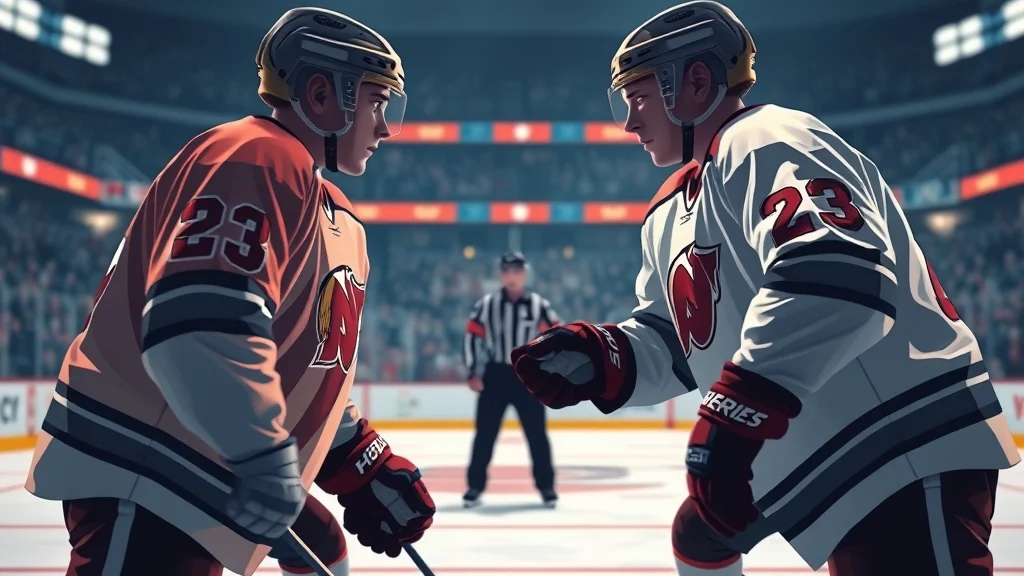
Fight when your team needs a stamina reset and you have a better fighter on the ice. Skip it when you’d be trading a key player or when the five minutes would leave you short somewhere that matters.
Good times to drop the gloves
- Your top lines are gassed. The winner’s stamina boost works like a free timeout that doesn’t use up your actual timeout.
- You have the size advantage. A heavyweight against a skill guy is about as close to a sure thing as fights get.
- Late in a lopsided game. Down four in the third, the five minutes cost you nothing and a win livens up your bench.
- In Franchise, with a real enforcer. If you’ve rostered a fighter, use him. Our nhl franchise mode tips go deeper on building a roster with room for that role.
When to decline
- Your star is on the ice. Five minutes without your best scorer is a bad trade for a stamina bump.
- The game is tight late. In a one-goal game with five minutes left, losing a forward to the box can cost you your last push.
- You’re outmatched. If their enforcer has 30 more pounds and a better Fighting Skill rating, let the challenge expire.
Be a Pro is a different calculation
In Be a Pro you only control your own player, so you only fight on your own shifts. A grinder can use fights to stay noticed, while a skill player loses ice time sitting in the box. Our nhl be a pro tips cover how to manage your player’s role across a season.
Here’s my take. Fighting in NHL is a stamina tool with some fun attached, not a way to settle a grudge. Treat it like a timeout you have to win, and you’ll pick your spots well.
Pro tip: Count your timeouts before you count your fighters. If you still have your timeout and your lines are only a little tired, save the fight for a moment when you’ve already used it.
Why your fight won’t start and how to fix it
A fight in NHL usually fails to start for one of four reasons: wrong timing, a declined challenge, fighting being turned off, or a mode that doesn’t use it. Work through this checklist.
- You pressed it during live play. The double tap only works as a fight input at a stoppage. During play, it fires your preset’s normal Y or Triangle action. Wait for the whistle.
- You didn’t tap fast enough. One press or two slow presses don’t count. Two quick taps do.
- The opponent declined. The opponent doesn’t have to accept the invitation, and some online players simply won’t take the bait. Against the CPU, try again at the next faceoff or after a big hit.
- Fighting is off. Open your game’s rules or penalty settings and make sure fighting is on. Offline, you can change it from the pause menu settings. Online, the lobby or mode rules decide.
- The mode doesn’t run fights. Arcade-style and custom rule modes don’t always use the full NHL penalty rules. If a mode’s rules screen has no fighting option, assume it won’t happen.
Common mistakes once the fight starts
Getting the fight is half the job. The mistakes we see most often:
| Mistake | What happens | Fix |
|---|---|---|
| Spamming overhands | A blocking opponent counters you | Grab first, then mix uppercuts and overhands |
| Holding RT or R2 the whole fight | Your balance drains and you get knocked down | Tap to dodge and only hold for one punch |
| Never grabbing | Your punches land weakly or miss | Hold LT or L2 to set up every combo |
| Ignoring the left stick | Your opponent controls the spacing | Pull to close distance and push to break a clinch |
| Fighting with your star | Five minutes without your best player | Send a grinder or enforcer instead |
Heads up: The blocking trap is the big one. It feels safe, but you’re slowly losing the fight even when nothing lands on you.
Related tricks worth knowing
The best fight-related tricks are about controlling when fights happen, not just how you throw punches. These are the ones worth knowing.
Line up your enforcer before the faceoff
Line changes happen at stoppages, so use the D-pad to send out the line with your fighter before you challenge anyone. In Total Control, offensive and defensive line changes sit on D-pad right and left. Plan this before the whistle, not after you’ve already double tapped with your top center out there.
Read the CPU’s temper
Rivalries and rough play make the CPU more willing to fight. Rivalries and unnecessarily rough checks both factor into whether fights happen. Against a division rival, a couple of heavy hits in a shift can lead to a challenge, and you can accept it on your terms.
Use the fake grab against humans
The tap on LT or L2 is the most underused input in the fight system. Online opponents tend to dodge when they see a grab coming. Fake it, let them dodge into nothing, then grab for real and go to the uppercut.
Manage stamina so you don’t need the bailout
The best fight is often the one you never need. Your player has a stamina bar, and holding the Hustle button to sprint constantly drains it quickly. Short shifts and less hustle spamming mean your lines stay fresh, so fights become a bonus instead of a lifeline. For the rest of the playbook, from faceoffs to franchise building, our ea sports nhl guide hub links every guide in one place.
I’ve learned all of this the hard way, mostly by losing fights with forwards who had no business throwing punches.
FAQ
What button starts a fight in NHL?
Double tap Y on Xbox Series X and S or Triangle on PS5 at a stoppage, usually during the faceoff setup. The same input accepts a fight when an opponent challenges you.
Why won’t my NHL player fight?
The most common reasons are that you pressed the button during live play, where it does something else, or the opponent declined. Also check that fighting is turned on in your game’s rules settings.
Can you fight in NHL online?
Yes, you can challenge an online opponent, but they have to accept it. Plenty of online players simply skip the fight and get on with the faceoff.
What do you get for winning a fight in NHL?
The winning side gets a stamina recharge after the fight. Both fighters still serve a five-minute major, so you’re trading a player for a boost.
Is there a fighting rating in NHL?
Yes, players have a Fighting Skill attribute along with Strength and Aggressiveness. Higher ratings help you land and absorb punches, so send your enforcer instead of your top-line center.
Can you fight in NHL on PC?
No, EA Sports NHL isn’t on PC. The current games are on PS5 and Xbox Series X and S, and the fight inputs work the same way on both consoles.
Sources


2 comments