

Key facts
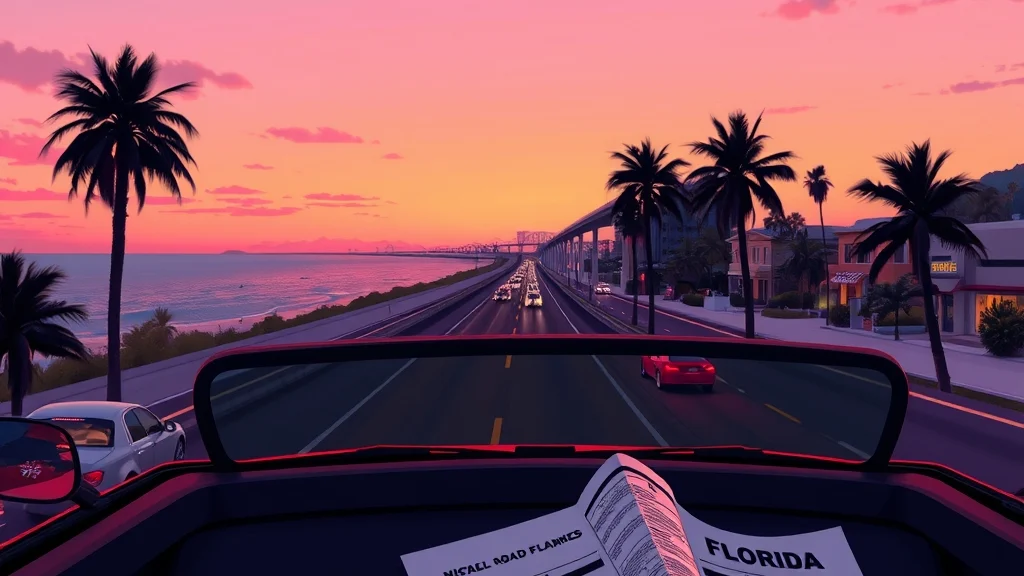
- Grand Theft Auto VI launched worldwide on November 19, 2026, on PS5 and Xbox Series X and S.
- There is no PC version yet, and Rockstar has not announced a release date for the online mode.
- Spend ten minutes in the settings before your first mission. It pays off for the rest of the game.
- Rockstar’s official site has a free printable map of Leonida that makes planning your routes much easier.
- The most common early mistakes are drifting away from the story too soon, spending all your cash, and not saving often enough.
The best GTA 6 tips for your first hours are the unglamorous ones. Fix your settings, play the opening chapters before you go wandering, save often, and don’t spend your first big payday on a car you’ll crash by Tuesday. Rockstar announced that Grand Theft Auto VI is now available worldwide for PlayStation 5 and Xbox Series X and S, so millions of us are learning Leonida at the same time, and most of us are making the same mistakes.
The game is one day old, so this page sticks to what’s confirmed and to habits that have worked across Rockstar’s open worlds. It doesn’t pretend to know every hidden system. Let’s get into it.
What should you do first in GTA 6?
Change your settings, grab the official map, and play the opening missions straight through before you explore. That order saves more time than any money trick. A rough first hour usually comes from a camera that’s too fast, subtitles that are too small, or a save you didn’t make.
A first-hour checklist
- Open Settings before you start the first mission. Plan on ten minutes for camera, aiming, subtitles and audio. The table in the next section covers what to change.
- Download the official Leonida map. On Rockstar’s official site you can download the official printable Grand Theft Auto VI cover art poster and map of Leonida. Keep it on a tablet or a second screen so you can plan routes without opening the pause menu.
- Play the opening chapters in order. Rockstar’s last two open-world games used their early missions to teach driving, cover, the phone and police escapes. You’ll be a better criminal for it.
- Learn the map screen early. Practice setting and clearing a waypoint and reading the legend before you need to escape under pressure.
- Save manually after every big mission. Autosaves help, but a manual save before you head off on a free-roam adventure keeps you from losing progress to one bad decision.
- Don’t touch your cash for the first few hours. Prices only make sense once you’ve seen what the story pays.
Who you’re playing as
GTA 6 has two leads, Jason and Lucia. Rockstar’s launch announcement says that Jason and Lucia have always known the deck is stacked against them, and when an easy score goes wrong, they end up in the middle of a criminal conspiracy stretching across the state of Leonida. Expect the early story to be about the two of them working as a pair, not one lone wolf.
A worked example: your first three-hour session
Say you’ve got one weeknight, three hours, and the kids are finally asleep. Here’s how I’d split it:
| Time block | What to do | Why it matters |
|---|---|---|
| 0:00 to 0:15 | Settings, controls screen, subtitles, audio mix | Fixes the problems that make missions feel unfair |
| 0:15 to 2:00 | Story missions in order | Teaches the systems and opens up more of the map |
| 2:00 to 2:40 | Short free roam near your current safe spot | Learn local roads, shops and escape routes |
| 2:40 to 3:00 | Manual save, check your cash, plan the next session | You’ll pick up from a clean spot tomorrow |
It’s the same reason the Bills script the first 15 plays. You learn what the defense is doing before you start improvising.
Pro tip: Before you put the controller down for the night, make a manual save in a fresh slot. Keep at least two slots going so one bad save never costs you the whole run.
Which settings should you change before you play GTA 6?
The settings that matter most are camera sensitivity, aiming style, subtitle size, the audio mix, and your console’s display output. Most of them take seconds to change and make a difference in every mission. Check them in the in-game Settings menu before your first story mission, and again after a couple of hours once you know what bugs you.
In-game settings worth checking
| Setting | What to change | Why |
|---|---|---|
| Camera sensitivity | Lower it a step if driving cameras feel twitchy | Smoother turns at speed, fewer wall hugs |
| Aiming style | Try the assisted option first, then switch to free aim once you’re comfortable | Early gunfights are about cover and timing, not flick shots |
| Invert look | Match whatever you use in your other games | Muscle memory beats preference |
| Subtitles | On, with the largest readable size and a background if one’s offered | Radio and NPC chatter step on dialogue in loud scenes |
| Audio mix | Bring dialogue up and radio down a little | You’ll hear mission instructions over the music |
| Controller vibration | Leave it on while you learn to drive | Feedback helps you feel grip and impacts |
| HUD and minimap | Keep them on at first, trim them later | The minimap is your safety net while you learn the roads |
| Button layout | Check the controls screen before mission one | Don’t assume every binding matches GTA V |
In GTA V, holding L1 on PlayStation or LB on Xbox opened the weapon wheel and pressing up on the D-pad brought out the phone. Plenty of us came in expecting the same layout. Check the controls screen in GTA 6 rather than finding out mid-shootout.
Console display settings by platform
Your console’s own settings decide how the game reaches your TV, so set those too.
| Platform | Where to look | What to check |
|---|---|---|
| PS5 and PS5 Pro | Settings, then Saved Data and Game/App Settings, then Game Presets | Whether you prefer performance or resolution by default |
| PS5 and PS5 Pro | Settings, then Screen and Video | HDR calibration and output resolution |
| Xbox Series X | Settings, then General, then TV and Display Options | 4K output, HDR, and VRR if your TV supports it |
| Xbox Series S | Same menu as Series X | Correct output resolution for your TV |
Run your console’s HDR calibration once before a game this bright. Vice City’s neon and sunsets will show off a good calibration, and they’ll punish a bad one with washed-out skies. Whether GTA 6 has its own graphics modes on each console is something to check for yourself (Rockstar has only announced a 30 FPS target on all three consoles and hasn't confirmed a performance mode). If it does, pick smoother frame rates for driving and combat and higher resolution for sightseeing.
Heads up: Change one setting at a time and play a mission between changes. If you change five at once and something feels off, you won’t know which one did it.
Core mechanics that decide most of your time in Leonida
Driving, police escapes, cover-based combat and money management decide most of your early experience. Get those four right and the rest of the game opens up. Here’s how to approach each one based on what Rockstar’s games have rewarded for a decade.
Driving: brake before the corner, not in it
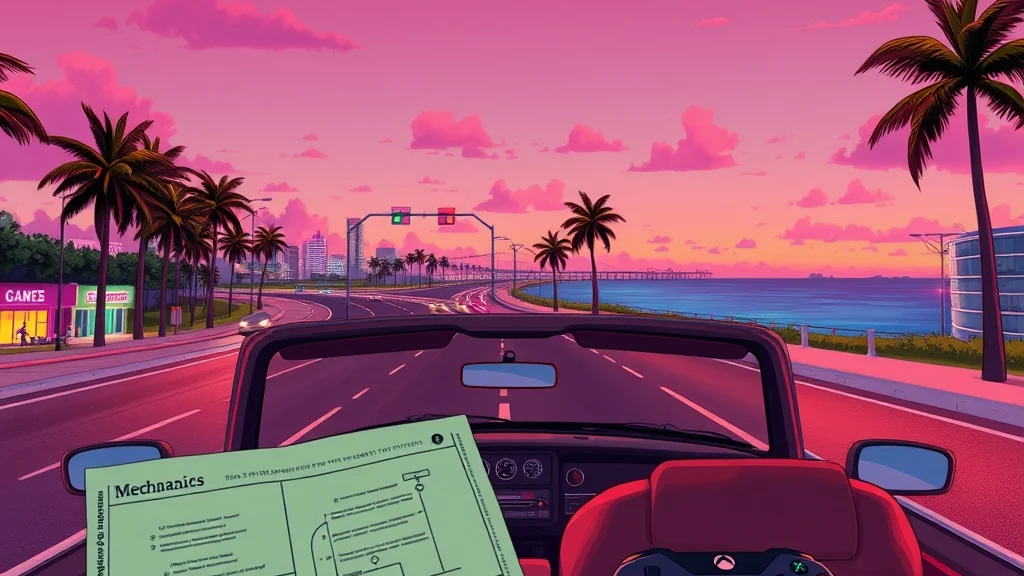
Most early mission failures in Rockstar games are driving failures, not shooting failures. Brake in a straight line, turn in, and only then get back on the throttle. The handbrake is for tight turns and quick getaways, not for every corner. If you yank it at highway speed, you’ll be running the rest of the chase on foot.
Pick vehicles that suit the job. Sports cars are great on open roads and a headache in narrow streets. Heavier sedans and trucks shrug off small hits during chases. Leonida stretches from city streets to wetlands, and NBC News described Grassrivers, inspired by Florida’s Everglades, as another playable area in the game’s oversized map. A low sports car isn’t the right tool for every road out there.
Police: break line of sight first
In GTA V, losing the cops came down to breaking line of sight and staying out of their search area until it timed out. Expect a similar principle in GTA 6: get out of view, change direction, then get quiet. Flooring it down a straight highway with no plan rarely works for long.
My decision rule for a chase:
- Turn off the main road within a few blocks.
- Break line of sight with tunnels, alleys, parking structures or tight neighborhood streets.
- Once you’re out of view, slow down and stop driving like a getaway car.
- If you can, switch vehicles out of sight.
Combat: cover is the whole game early
Treat early shootouts like goal-line defense. Hold your spot, make them come to you, and don’t give up the big play. Get into cover, peek, fire short bursts and reload behind something solid. Running into the open after a kill is how most of us have lost a mission we’d already won.
Money: earn before you spend
Your first payouts will feel huge. They aren’t, compared with what you’ll want to buy later. Keep enough cash for repairs, weapons and ammo, and treat everything else as savings until you know what the late game costs.
GTA 6 tips by mode
GTA 6 launched as a single-player game, so story missions and free roam are where all of your time goes for now. There’s no online mode yet. The table shows what’s available today and the one habit that helps most in each.
| Mode | Status at launch | Best habit |
|---|---|---|
| Story missions | Available | Play the opening chapters in order and read the objectives |
| Free roam | Available | Explore near your current base before crossing the state |
| Side activities | Available as they unlock | Do them between missions as a palate cleanser |
| Online mode | No release date announced | Ignore anyone claiming a date Rockstar hasn’t confirmed |
| PC version | Not announced | Console players only for now |
Story missions
Read every objective line, especially when there are two playable leads. Missions built around a pair often have one character covering while the other moves, and rushing ahead is how a clean job turns into a wanted level. Listen to the briefing in the car on the way there. In Rockstar games, the drive over is often where you hear about the back entrance.
If a mission keeps beating you, restart from the checkpoint rather than the whole mission, change your approach, and look for a different vehicle or route. Two failures in a row with the same plan means it’s time for a new plan.
Free roam and exploration
Rockstar’s state of Leonida covers the neon-soaked streets of Vice City and beyond. Explore it in rings: get to know the blocks around your base first, then branch out. That way you always know an escape route when things go sideways near home.
Explore during the day while you’re learning an area, then come back at night for the atmosphere. Night drives look great, but they’re a rough way to learn a road layout.
Side activities
Use side content as a break between heavy story missions, not a wall you have to clear before moving on. If an activity feels like a chore, leave it. The game isn’t going anywhere, and you’ll probably have better gear by the time you come back.
What about online?
The first week is single-player only, and Rockstar hasn’t announced a date for an online mode. For release timing, editions and platforms in one place, see our gta 6 guide, which we update when Rockstar announces something new.
Heads up: Any video claiming a secret online launch date or a “free money” method for GTA 6 right now is selling clicks. Stick with Rockstar Newswire and the official support pages.
Advanced tips for experienced players
Veterans should spend their skills on planning, not reflexes. Choose your vehicle, route and approach before the mission starts, and most of the hard parts get easier. These habits carry over from GTA V and Red Dead Redemption 2, and they should hold up in Leonida.
Pre-stage your getaway
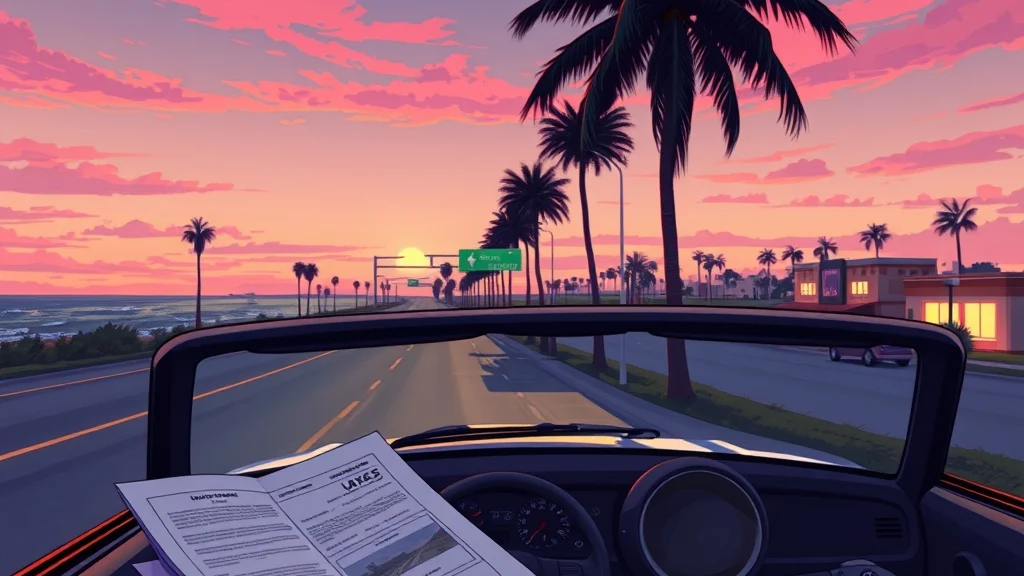
Before you start a mission that clearly ends in a chase, park a second vehicle somewhere useful nearby. A good escape car parked in an alley two blocks from the job beats stealing whatever happens to drive past while the cops are closing in. It’s the open-world version of a coach saving a timeout for the final two minutes.
Plan routes on the official map
The printable Leonida map works well for this. Mark a few highway entrances, bridges and tunnels near your usual stomping grounds. When a chase breaks out, you’ll be thinking “tunnel, left, parking garage” instead of panicking on the open highway.
Use the two leads deliberately
With Jason and Lucia sharing the story, pay attention to how each mission divides the work between them. Some players stick with whoever they control first and never adapt. Look at what each character is doing in a mission and play to that role, the way a good offense uses both of its weapons instead of throwing to the same receiver every snap.
Buy or steal: a decision rule
| Situation | Better choice | Reason |
|---|---|---|
| Quick mission transport | Steal something nearby | It’s free and you don’t care if it gets wrecked |
| Repeated chase missions | Use a car you own and trust | You know how it handles and won’t have to hunt for one |
| Low cash early on | Steal, save your money | Your bank balance should grow first |
| Off-road or wetland trips | Pick a vehicle built for it | A sports car on soft ground is a tow-truck story |
Manage your saves like a pro
Keep three rotating save slots: one after the last story mission, one before any risky free-roam session, and a long-term backup. Players who used one slot in older Rockstar games have stories about saving at the wrong moment. Don’t become one of those stories.
Pro tips most players miss
The most overlooked tips are about attention, not skill: listen to the world, check your official resources, and slow down. GTA has always rewarded players who watch and listen, and with a map this large, that matters more than ever.
Turn the radio down when you’re lost
Ambient chatter, phone calls and mission dialogue often carry the hint you need. If you’re stuck, lower the radio volume for a minute and listen. You can bring the music back once you know where you’re going.
The soundtrack is worth a listen outside the game
Rockstar released a companion album on launch day. The Newswire says Grand Theft Auto VI: The Album came out at midnight ET with 34 original tracks. Listening to it on the commute is a decent way to stay in the Vice City mood when you can’t play.
Stop and look around
Rockstar packs its worlds with small scenes you’ll miss at 120 miles per hour. Every so often, pull over, put the controller down for 30 seconds and watch the street. You’ll spot shops, alleys and shortcuts that will matter later.
Use official channels for news
For patches, fixes and anything about an online mode, check the Rockstar Newswire and Rockstar Support first. Launch week is when rumors spread fastest. The day-one buzz is huge: Sensor Tower estimated 19 million units sold, including pre-orders, and $1.84 billion in revenue by Thursday. With that many players, the rumor mill is running full speed.
Don’t binge through the story
There’s no rush. The game came out yesterday, and nobody hands out a ring for finishing it by the weekend. Pace yourself, enjoy the opening, and avoid story spoilers on social media by muting keywords for the first couple of weeks.
Pro tip: Mute “GTA 6 ending” and both lead characters’ names on your social feeds for the first two weeks. Spoilers travel faster than any car in Leonida.
Common mistakes and how to fix them
The most common GTA 6 beginner mistakes are wandering off too early, overspending, driving full speed through every corner, and relying on one save file. Every one of them is easy to fix once you know you’re doing it. We’ve all done at least three of these in past GTA games. Some of us did all of them in one evening.
| Mistake | Why it hurts | Fix |
|---|---|---|
| Exploring the whole state before the opening missions | You miss the systems the tutorial teaches and get stomped | Play the opening chapters first, then explore |
| Spending the first payout immediately | You’re broke when repairs and gear actually matter | Keep a cash buffer until mid-game |
| Full speed into every corner | Crashes, failed chases, wanted levels | Brake in a straight line, then turn |
| Running a straight line from the police | They keep you in sight | Break line of sight, then go quiet |
| Leaving cover after every kill | You walk into the next enemy’s fire | Stay in cover until the area is clear |
| Using a single save slot | One bad save can wreck hours of progress | Rotate three manual save slots |
| Never opening Settings | Camera, subtitles and audio stay frustrating | Spend ten minutes on settings up front |
| Trusting leaked “online dates” | You plan around something that isn’t real | Check Rockstar Newswire only |
The biggest one: playing it like GTA V
GTA 6 is a new game with a new map, new leads and possibly new rules. If you play it on autopilot from years of GTA V, you’ll keep reaching for buttons and habits that may not work the same way. Give yourself the first few hours as a learning period, the way a new quarterback needs training camp even if he’s started for years somewhere else.
When a mission keeps failing
Change one variable at a time: the vehicle, the route, or your approach to the fight. If three different attempts fail at the same point, check the objective text again. Usually you’ve missed an instruction, not run into a broken mission. If something truly seems broken, Rockstar Support is the place to report it, and a launch-week patch may already be on the way.
FAQ
Is GTA 6 out now?
Yes, Grand Theft Auto VI came out worldwide on November 19, 2026. At launch it’s only available on PlayStation 5 and Xbox Series X and S.
Is GTA 6 on PC?
No, not at launch. Rockstar hasn’t announced a PC version or a date for one, so PC players are still waiting.
Can I play GTA 6 Online right now?
No, the launch version is a single-player story game. Rockstar hasn’t announced a date for an online mode, so be careful with any video or post that claims to know one.
Should I finish the story before exploring Leonida?
Not all of it, but play the opening chapters first. Rockstar’s recent games teach their core systems in the early missions, so you’ll explore more safely once you’ve learned them.
Who are the playable characters in GTA 6?
The story follows Jason and Lucia, a criminal duo caught up in a conspiracy that spreads across the state of Leonida. Rockstar’s official description says they have to rely on each other to survive.
Where can I get an official GTA 6 map?
Rockstar’s official Grand Theft Auto VI site has a free printable map of Leonida to download. Rockstar also says a double-sided physical poster will be sold at the Rockstar Store shortly after launch.
Sources


2 comments