

Key facts
- NBA 2K27 has crossplay between PS5 and Xbox Series X and S in every online mode.
- Steam and the Xbox for Windows PC version play with each other but not with consoles.
- Nintendo Switch 2 has no gameplay crossplay, but it shares the MyTEAM Auction House with PS5 and Xbox.
- Progression does not carry over between platforms. Crossplay covers multiplayer only.
- There is no NBA 2K27 on PS4 or Xbox One.
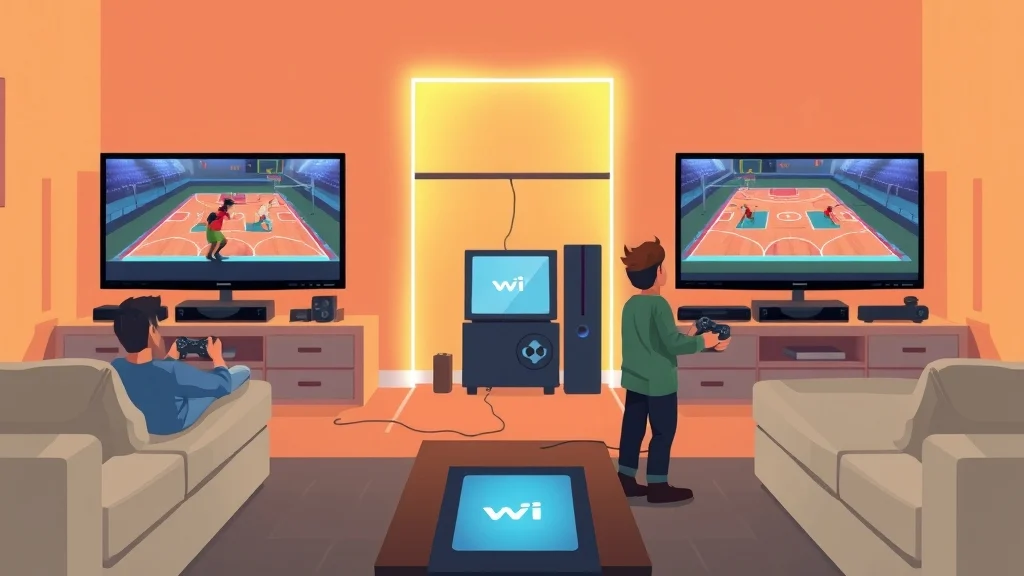
Yes, NBA 2K is cross platform, but only inside certain groups of systems. In NBA 2K27, PS5 and Xbox Series X and S players can play together. Steam and Windows PC players have their own pool, and Switch 2 players have theirs. If your squad is split between a console and a PC, someone will be playing alone. Here’s what we’re working with.
Is NBA 2K cross platform? The short answer
Yes, but with conditions. 2K’s support page says PlayStation 5 and XBOX Series X|S are available for crossplay in NBA 2K27, and any online game mode can enjoy this cross platform multiplayer between the two systems. That means The City, Rec, Pro-Am, online MyTEAM and Play Now Online all draw from one shared console pool.
PC is its own group. 2K’s official FAQ says crossplay is only available between PS5 and XBOX Series X|S console versions of NBA 2K27, and between Windows PC and Steam versions of NBA 2K27. Console and PC/Steam versions cannot play together. The Windows PC version here is a separate storefront, since NBA 2K27 will be available for purchase on PlayStation®5, XBOX Series X|S, Nintendo Switch 2, Steam for PC, and XBOX for Windows PC.
Switch 2 is on an island. PS5 and Xbox players will be able to see the rankings of Switch 2 players on the leaderboards, but will be unable to crossplay with Switch 2 players.
Crossplay is not cross-progression
This is where a lot of us get burned. NBA 2K27 does not support cross-platform progression, only cross-platform multiplayer. You can play against your buddy on Xbox from your PS5, but your 90-plus MyCAREER build won’t follow you if you switch consoles next spring.
How we got here
Crossplay is still fairly new for the series. For the first time in NBA 2K history, 2K24 allows for cross-platform play, although it is only available on the PlayStation 5 and Xbox Series X versions of the game. NBA 2K25 kept the same split even after PC got the full current-gen version. This will be the first installment of the series where the PC edition will have all of the features of the home console editions, minus cross-play support. NBA 2K27 is the first year PC players get any crossplay at all, and it only covers the two PC storefronts.
There’s no last-gen pool to worry about either. The official FAQ states that there is no Gen 8 version, so PS4 and Xbox One are not part of the published platform list.
Which platforms and versions play together in NBA 2K27?
Four separate systems sell NBA 2K27, and they split into three player pools. NBA 2K27 launches Friday, September 4, 2026 on PlayStation 5, Xbox Series X/S, PC via Steam, and Nintendo Switch 2. Here’s how they line up.
| Platform | Plays online with | Shared MyTEAM Auction House | Cross-platform voice chat |
|---|---|---|---|
| PS5 | Xbox Series X and S | PS5, Xbox, Switch 2 | Yes, with Xbox |
| Xbox Series X and S | PS5 | PS5, Xbox, Switch 2 | Yes, with PS5 |
| Steam (PC) | Xbox for Windows PC | Steam and Windows PC only | No console players to talk to |
| Xbox for Windows PC | Steam | Steam and Windows PC only | No console players to talk to |
| Nintendo Switch 2 | Switch 2 only | PS5, Xbox, Switch 2 | No |
| PS4 and Xbox One | No NBA 2K27 version | None | None |
The Auction House follows different rules
This is the detail most crossplay explainers skip. Gameplay pools and trading markets don’t match. For the MyTEAM Auction House you will see offerings shared across PlayStation, XBOX, and Switch 2 platforms, but Steam and Windows PC will have their own shared Auction House.
So a Switch 2 player can’t run a Triple Threat game against you, but they can outbid you on the card you’ve been sniping since Tuesday. The market prices you see on PS5 include Switch 2 supply and demand. On PC, the prices come from a smaller, separate economy.
Heads up: A shared Auction House is not crossplay. If a friend on Switch 2 says “we’re on the same market,” that doesn’t mean you can queue together.
What crossplay looks like in The City
In the social hub, the two console crowds are mixed. For PlayStation 5 and XBOX Series X|S, players of both platforms will be displayed around the city. Voice works too. With crossplay enabled, players on PlayStation 5 and XBOX Series X|S will be able to communicate in-game using voice chat.
Account requirement
None of this works without a linked account. 2K’s FAQ is short on this: NBA 2K Account and internet connection required. If you skipped account linking at first boot, sort it out before your friend sends the invite.
How to turn NBA 2K crossplay on or off, step by step
Crossplay is on by default, and the way you turn it off depends on your console. Xbox does it through system settings. PS5 has used an in-game toggle in recent years.
Xbox Series X and S
2K’s documented path runs through the console’s privacy settings, not the game:
- Press the Xbox button on your controller to open the guide.
- Go to Settings, then open Online Safety & Family under the General tab.
- Select Privacy & Online Safety, then Xbox Privacy.
- Choose View details & Customize, then Connection & Multiplayer.
- Under “You can join cross-network play,” switch from Allow to Block.
That’s straight from 2K, which says to select Privacy & Online Safety> XBOX Privacy > View details & Customize > Connection & Multiplayer. Under the “You can join cross-network play” option, switch the selection from ‘Allow’ to ‘Block’.
PS5
On PlayStation, the switch has been inside the game. In past versions the path was to launch NBA 2K24 on PS5. Select Features on the main menu. Hit Settings. Scroll down to Crossplay. Turn Crossplay off. Go back into the same menu to turn it on again.
Platform differences that matter
| Xbox Series X and S | PS5 | |
|---|---|---|
| Where the toggle lives | Console privacy settings | In-game Features menu |
| Affects other games | Yes, it’s a console-wide setting | No, only NBA 2K |
| Who can change it | Account holder or family organizer | Anyone signed into the game |
Pro tip: On Xbox, blocking cross-network play turns off crossplay in every game on that profile, not just NBA 2K. If you play Call of Duty or Rocket League with PlayStation friends, you’ll have to switch it back afterward.
On PC, no separate toggle is needed to keep you away from console players, since PC was never in the console pool. Parents managing a child account on Xbox should know the family settings can override what the player picks in game.
Limitations and known issues with NBA 2K crossplay
The biggest limitation is that the pools are split. Our flagship mode, MyCAREER, can’t bring a PC player and a PS5 player into the same Pro-Am squad, and no setting changes that. The second biggest is that progression doesn’t carry over, which matters more than most of us realize until we buy a new console.
Common mistakes players make
- Buying on PC to play with console friends. The Steam version will never put you in a PS5 lobby. Check where your group plays before you spend.
- Expecting a build to transfer. Your MyCAREER player and VC stay on the platform you bought. Starting over costs real time, and often real money.
- Confusing the Auction House with crossplay. Switch 2 trades alongside PS5 and Xbox but plays alone.
- Leaving Xbox cross-network play on Block. If a PS5 friend’s invite never shows up, check that setting first. We’ve all spent 20 minutes blaming 2K’s servers when it was our own privacy menu.
- Thinking every PC copy is the same. In NBA 2K27, Steam and Xbox for Windows PC are separate storefronts that happen to share a pool.
Performance complaints
Players have complained about connection quality in crossplay since it launched. During the 2K24 cycle, some players reported that when crossplay is enabled, players suffer shooting delays and lags in Park. That’s a report from players, not something 2K has confirmed, and it’s from two games ago. Treat it as a reason to test the setting yourself, not as a rule.
The trade-off of turning it off
Turning crossplay off has a cost. With NBA 2K25, 2K said with crossplay enabled, we expect matchmaking times to be reduced, since there will be a higher chance of finding other players who are playing the same modes as you at the same time. If you switch it off, expect slower queues in niche modes, especially late at night.
Tips for playing NBA 2K across platforms
The best tip is simple: choose your platform based on your friends, not on the box art. Here’s a decision rule. If anyone in your regular group is on PS5 or Xbox, buy on one of those two. Only go PC if your whole group is on PC, and only go Switch 2 if handheld play matters more to you than playing with friends.
A real scenario
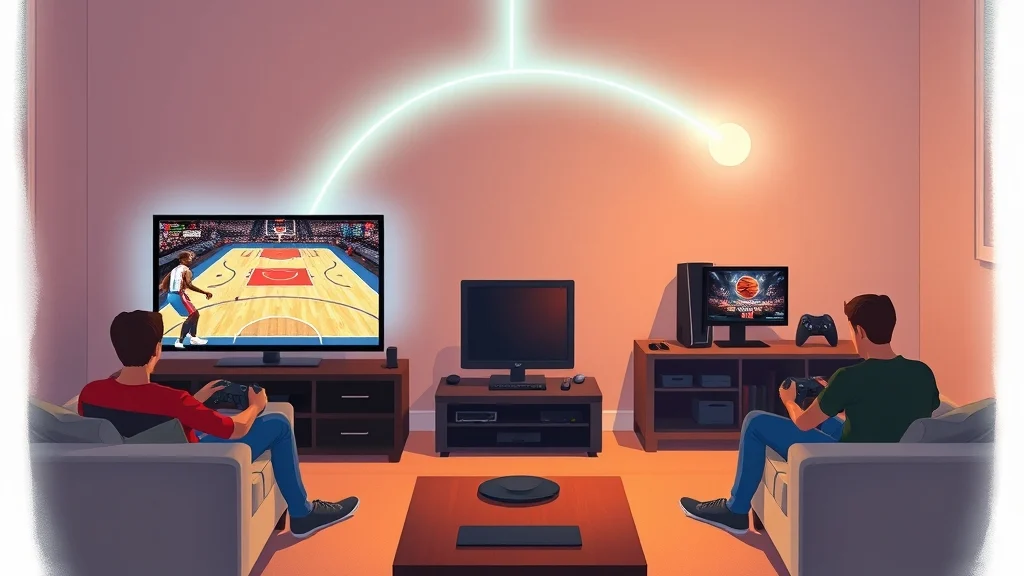
Say four of us from the tailgate group want to run Pro-Am this winter. Two are on PS5, one has an Xbox Series S, and one just built a gaming PC and bought NBA 2K27 on Steam. The three console players can party up, use voice chat and queue together tonight. The PC player can’t join, no matter what anyone changes in settings. That’s like trying to fit a Dolphins fan into the Bills Mafia group chat.
The fix is to plan ahead. If the PC friend hasn’t spent his VC yet, a console copy keeps the group together. If he already has, the group can switch to modes where it doesn’t matter, like comparing MyNBA saves.
Crossplay checklist before game night
- Everyone has an NBA 2K account linked and signed in.
- Xbox players have cross-network play set to Allow.
- PS5 players have the in-game Crossplay toggle turned on.
- Everyone owns NBA 2K27, not a previous year’s game.
- The party is made in game, not only in a PlayStation or Xbox system party, since those don’t cross over.
Pro tip: If a cross-platform invite keeps failing, have the Xbox player host. That way the setting most likely to be the problem gets checked first.
Thinking about switching consoles?
Make the switch early in the game’s year. Since nothing carries over, moving in October costs you a few weeks of grinding. Moving in May costs you a season. Spend VC as if it’s tied to the console, because it is.
FAQ
Can PS5 and Xbox play NBA 2K27 together?
Yes. PS5 and Xbox Series X and S share crossplay in every online mode, including The City, and voice chat works across both consoles when crossplay is on.
Can PC players play NBA 2K27 with console players?
No. The Steam and Xbox for Windows PC versions play with each other, but 2K says console and PC versions can’t play together.
Does NBA 2K27 on Switch 2 have crossplay?
No. Switch 2 players only play with other Switch 2 players. PS5 and Xbox players can see Switch 2 players on the leaderboards, though, and all three consoles share one MyTEAM Auction House.
Does my MyCAREER player transfer if I switch from PS5 to Xbox?
No. 2K says NBA 2K27 does not support cross-platform progression, so your MyCAREER build and MyTEAM collection stay on the platform where you made them.
Do I need an NBA 2K account for crossplay?
Yes. 2K requires an NBA 2K account and an internet connection for crossplay, so link your account before you try to party up with friends on another system.
Does turning off crossplay make matchmaking slower?
It can. 2K has said crossplay is meant to cut matchmaking times, so a smaller player pool on one console means longer waits, mostly in less popular modes and at off-peak hours.
Sources
